Stock you can trust
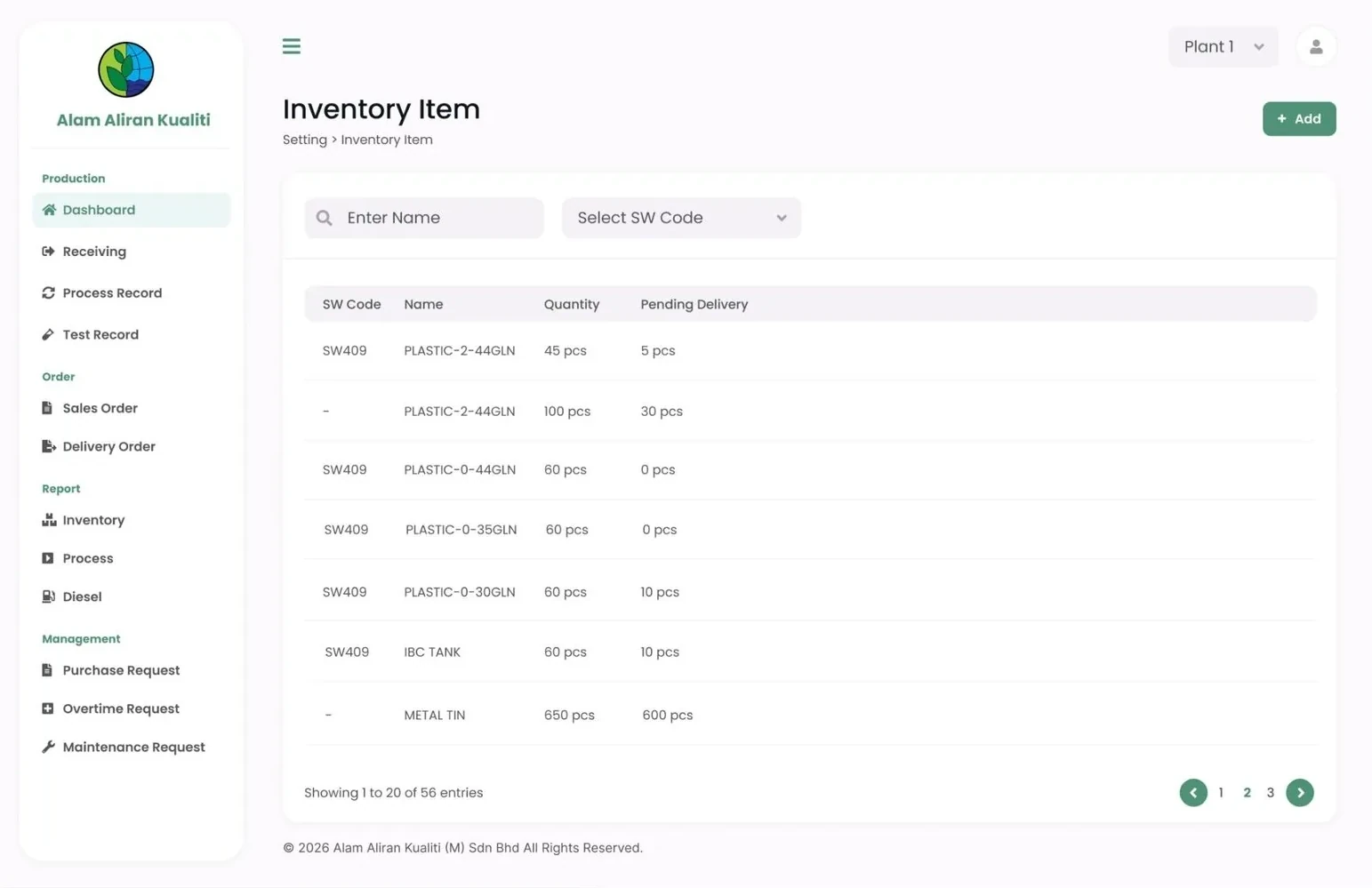
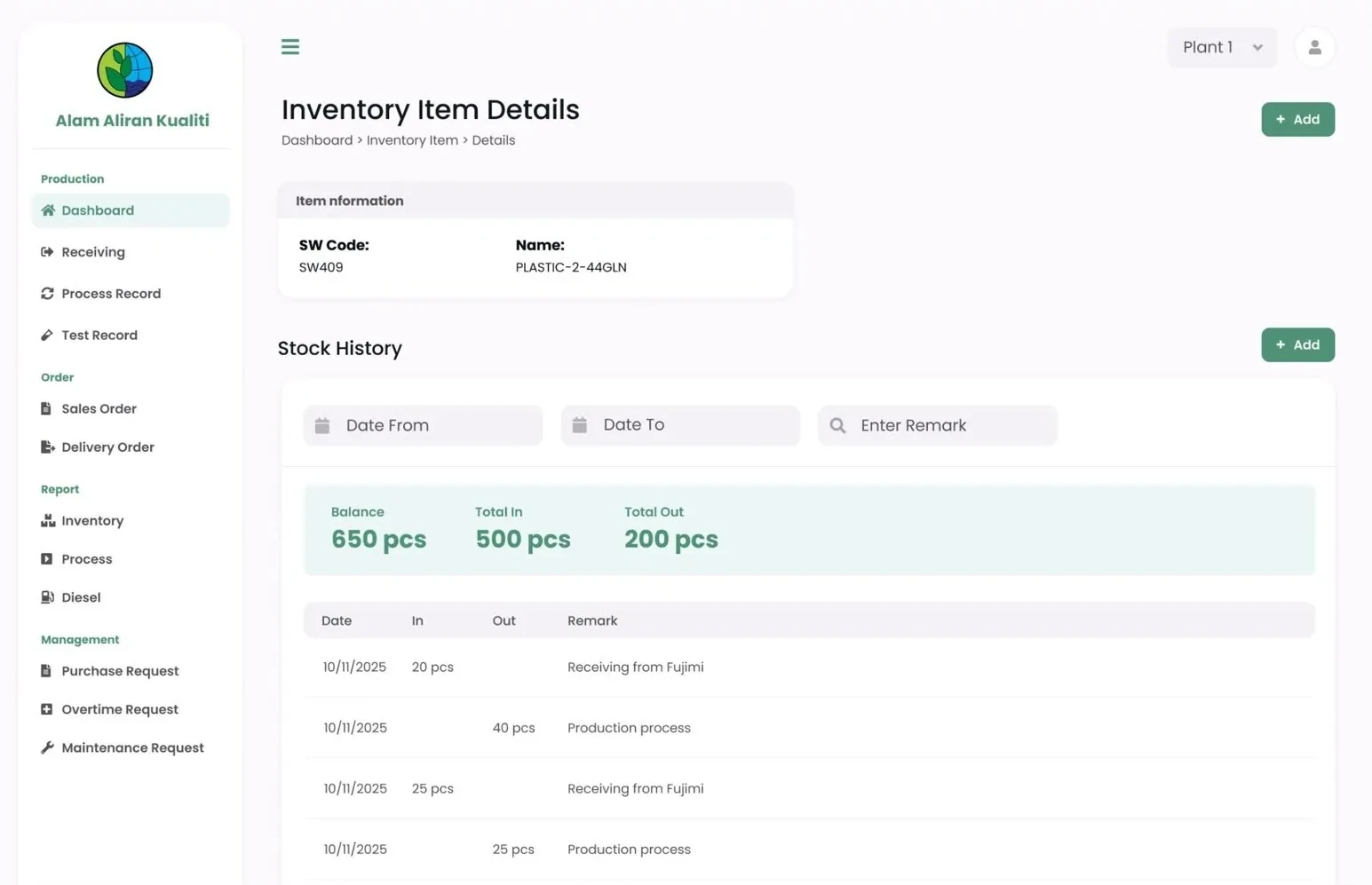
Every item has its own SW code, with the quantity on hand and what is still pending delivery. The number on screen matches the yard.
Alam Aliran KualitiWaste Management Service · ERP System
Receiving forms, drum-washing records and Excel stock sheets replaced with one system for receiving, processing, sales orders, delivery and inventory.
Potadot built a custom ERP system for Alam Aliran Kualiti, an industrial waste management company in Bukit Minyak, Penang. It replaced handwritten receiving forms, paper drum-washing process records and Excel stock sheets with one web system covering receiving, process and test records, sales orders, delivery orders, inventory, reports and staff requests, with real-time stock for each plant.
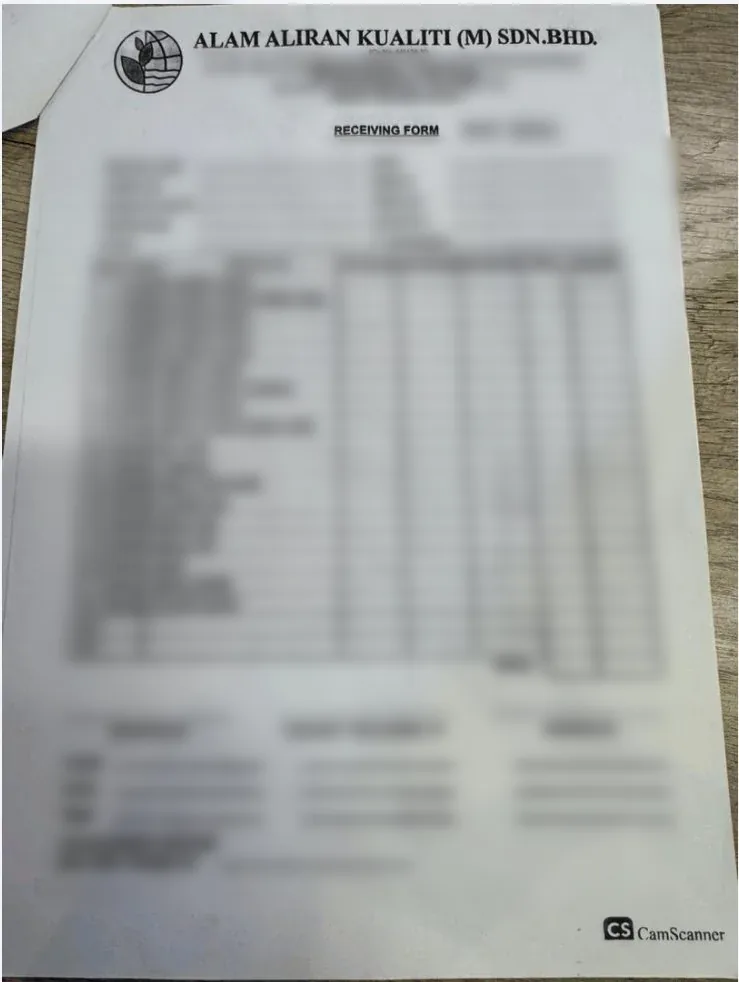
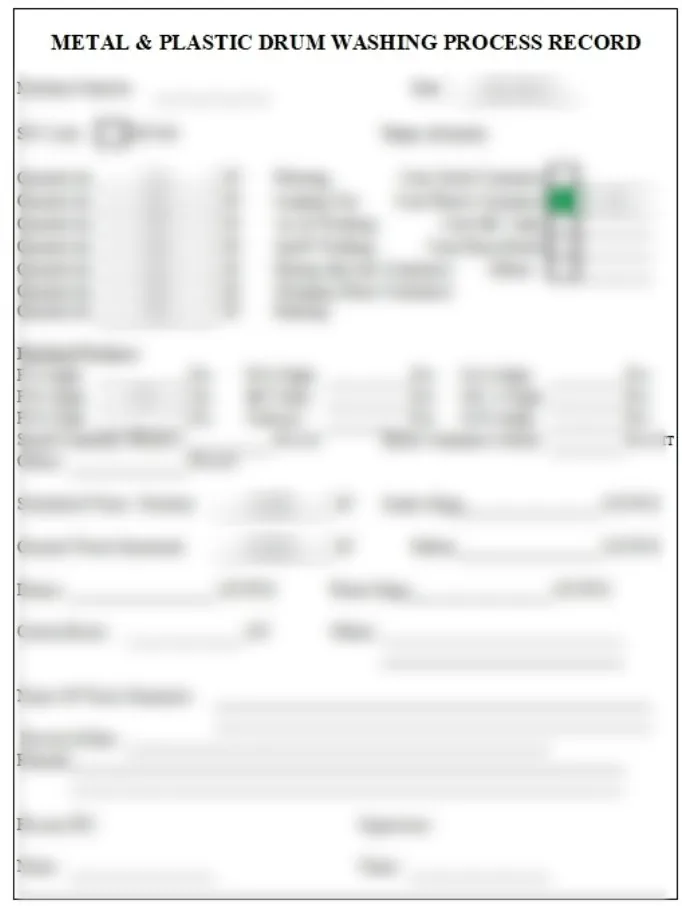
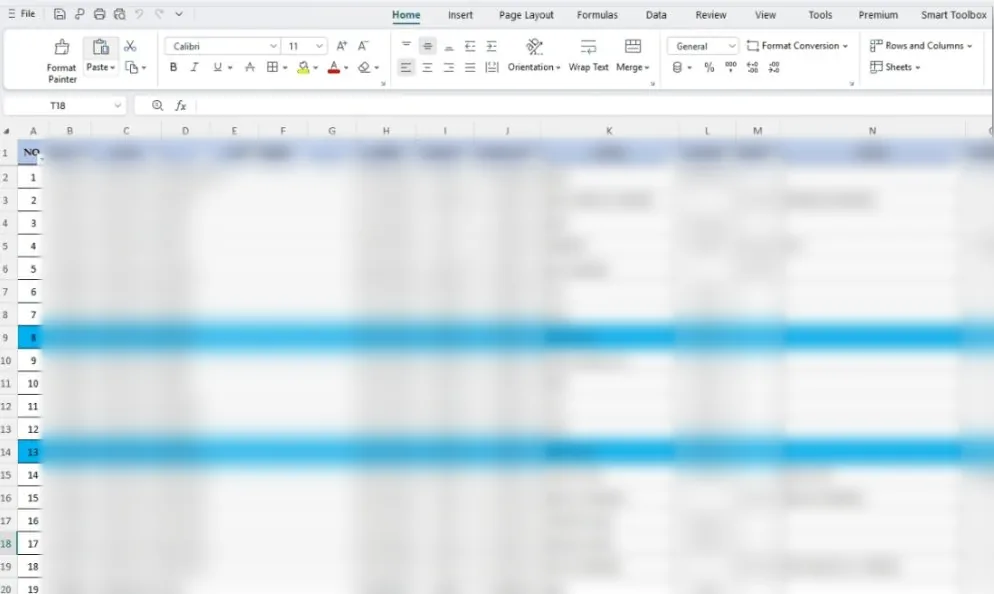
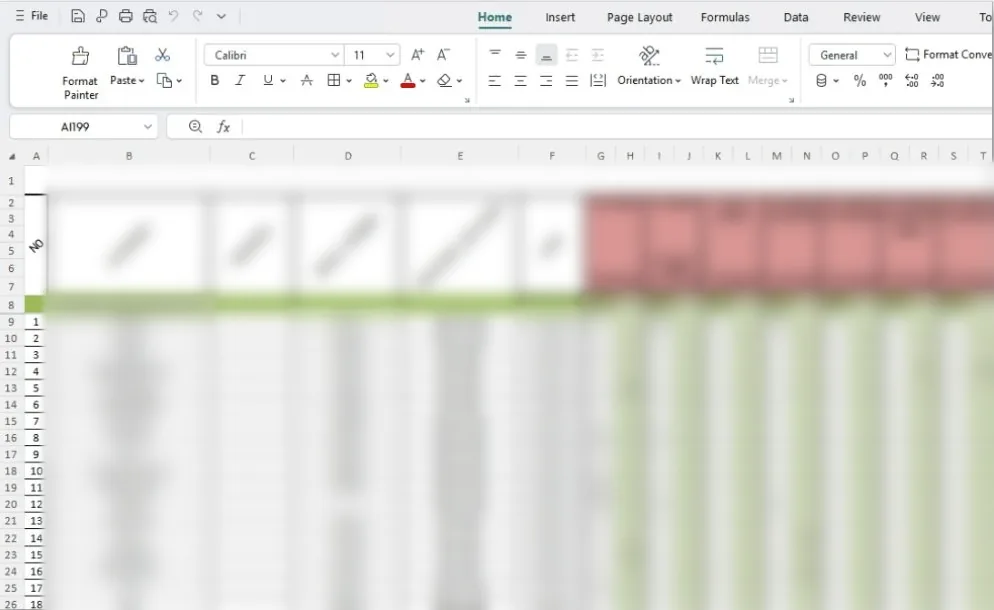
Waste arrived with a handwritten receiving form. Washing and drying went on a paper process record. Then someone typed it all into Excel: one sheet for receiving and delivery by customer, another for stock in and out by item. Stock was only as current as the last person who updated the sheet.
Client details and form layouts are blurred to protect our client’s privacy.
Scroll through the screens the team uses every day. The highlight shows what changed on each one.
Every item has its own SW code, with the quantity on hand and what is still pending delivery. The number on screen matches the yard.
Open an item and see the balance, total in and total out, then each movement with its reason, such as receiving from a customer or a production process.
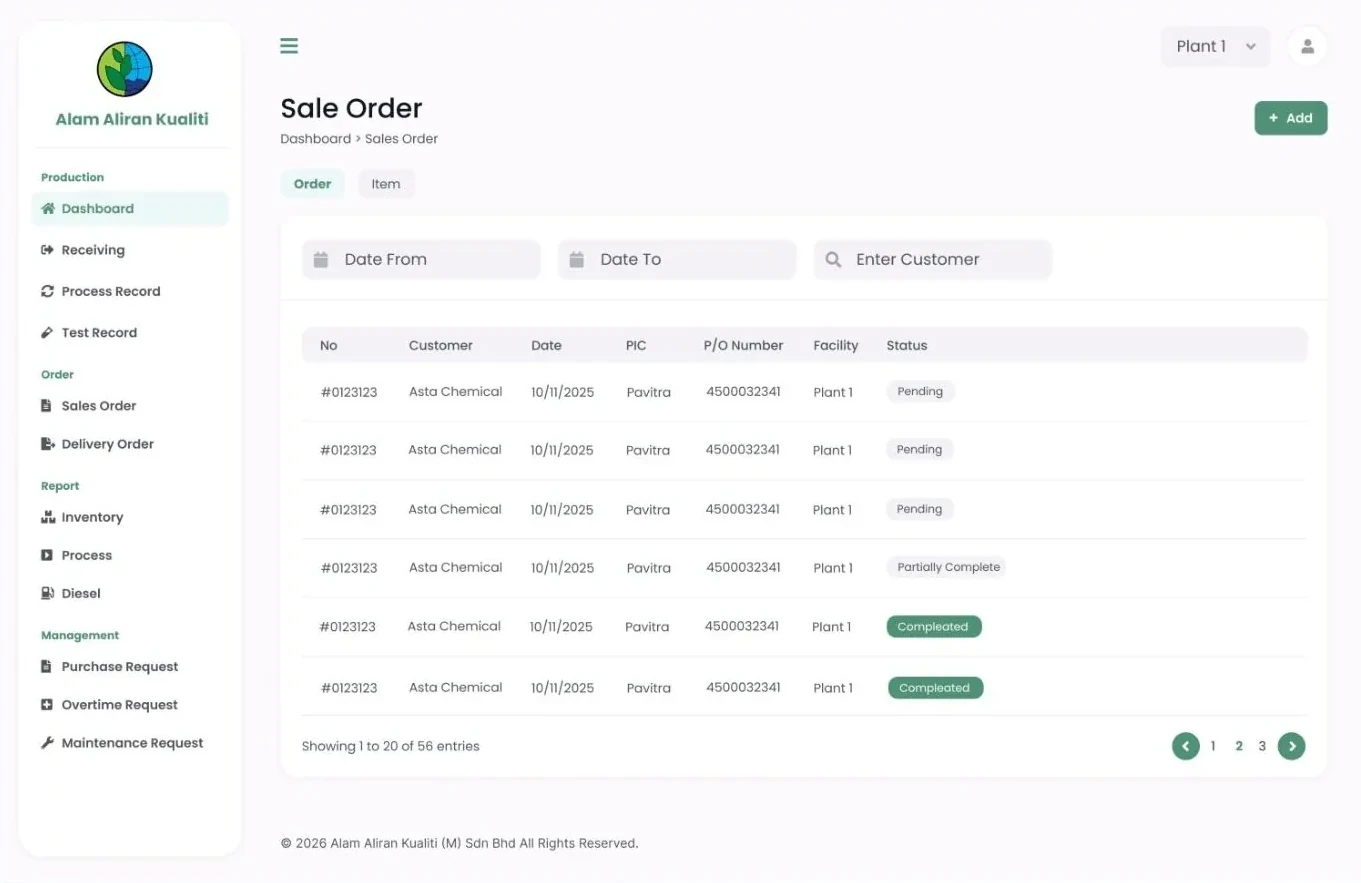
Sale orders are filtered by date and customer, and each one shows whether it is pending, partially complete or completed.
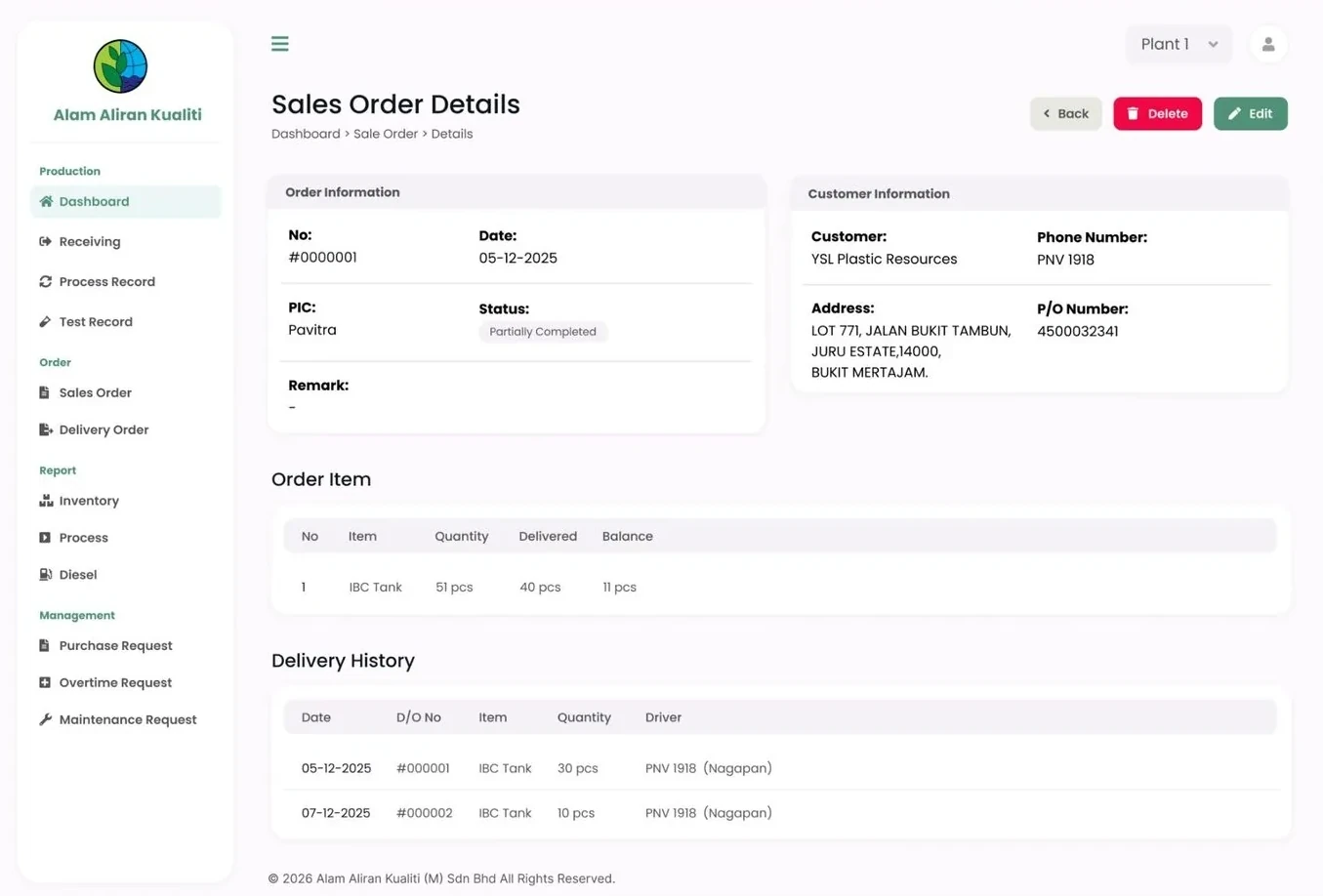
Each order shows quantity ordered, delivered and the balance left, with the full delivery history underneath.
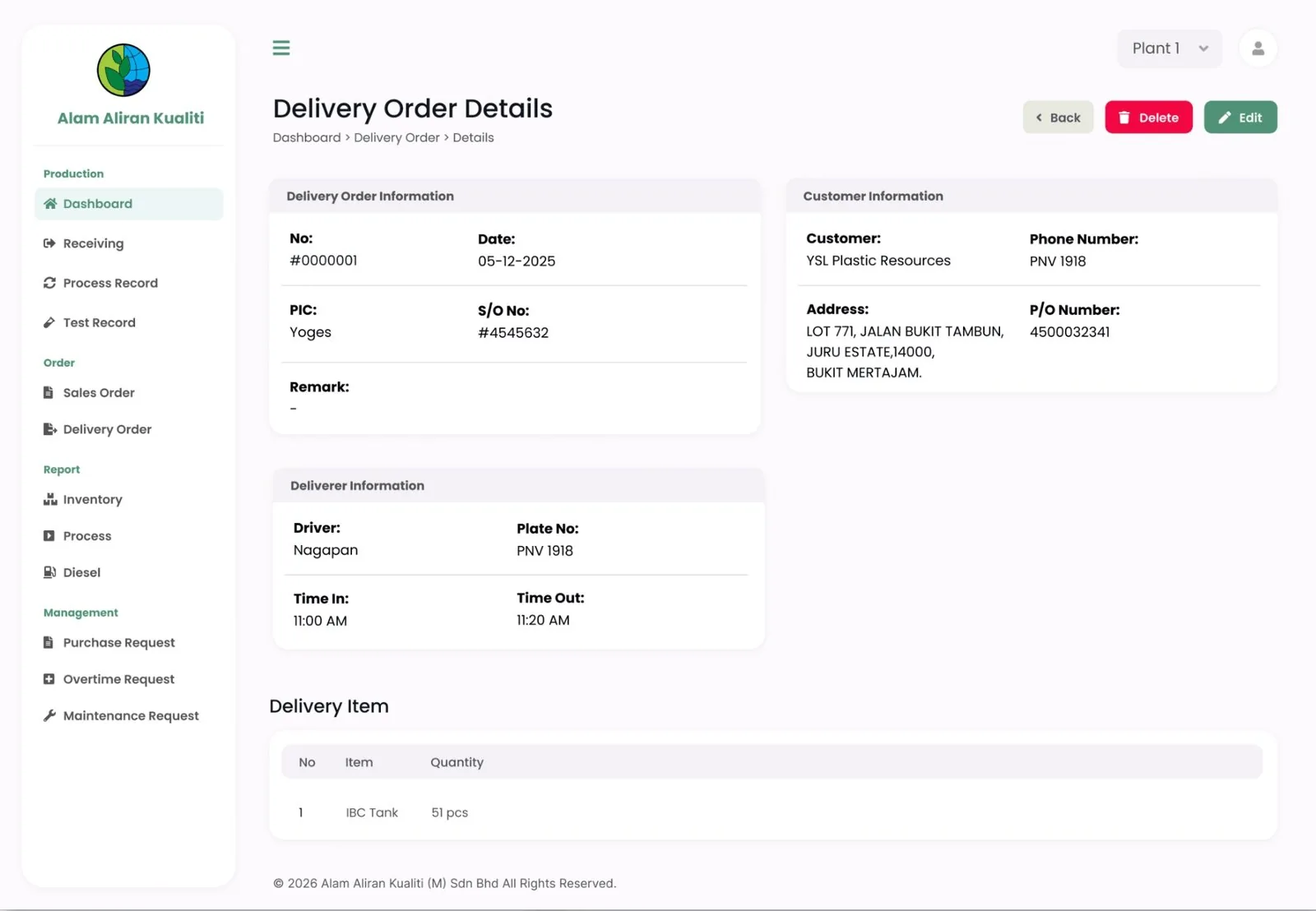
Driver, lorry plate, time in and time out, the customer's P/O number and the items, in one record instead of a carbon copy.
 On hand + pendingBalance · in · outOrder statusDelivery historyDriver + lorry
Drag the handle to see the records the team used before, next to the system they use now.
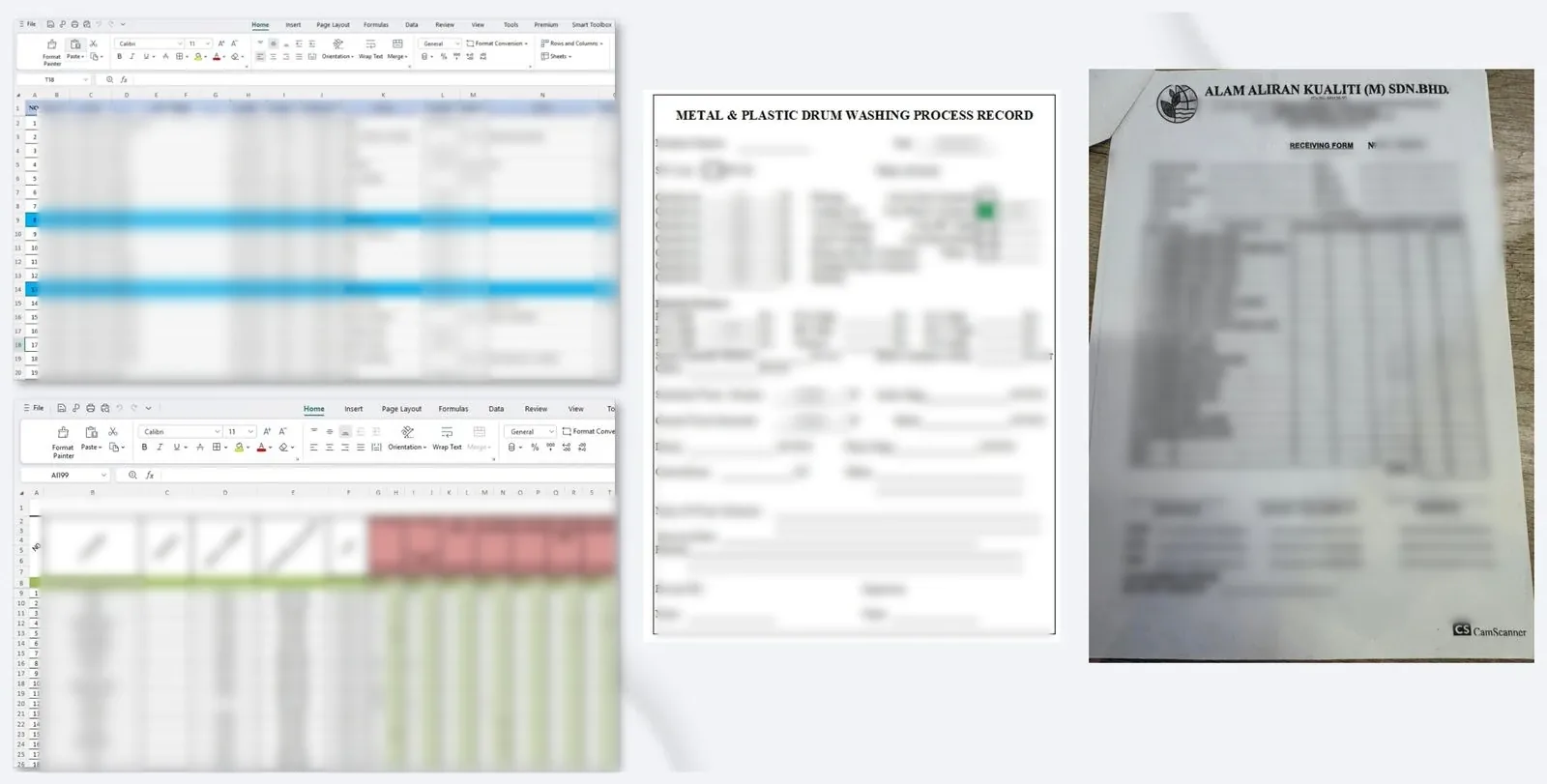
Drag to compare · paper & Excel → live inventory
Every module was designed around how Alam Aliran Kualiti already worked, then connected so data is entered once.
Incoming waste recorded once, by customer, lorry and SW code.
Washing, drying and finishing steps logged per batch.
Test results kept with the batch they belong to.
Orders with status, balance and delivery history.
Driver, lorry, times and items per delivery.
Live stock per item with full movement history.
Inventory, process and diesel reports.
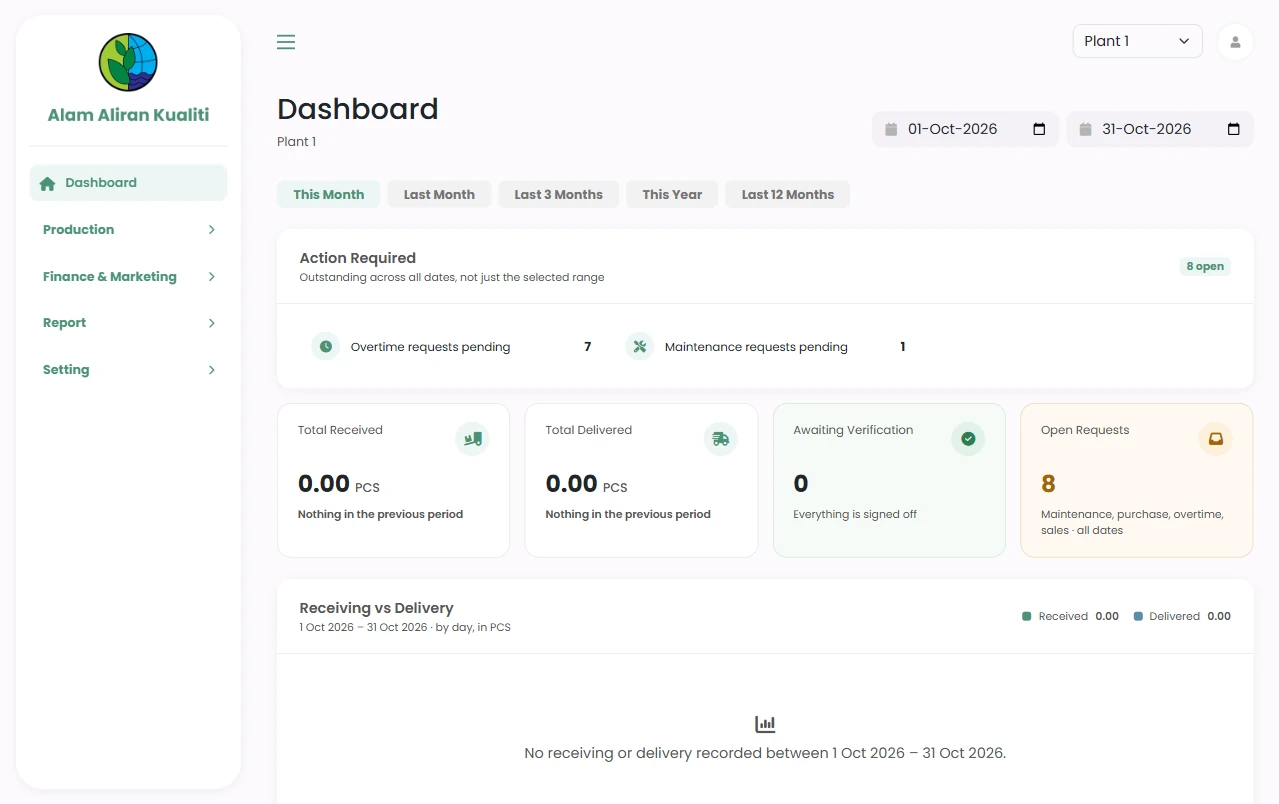
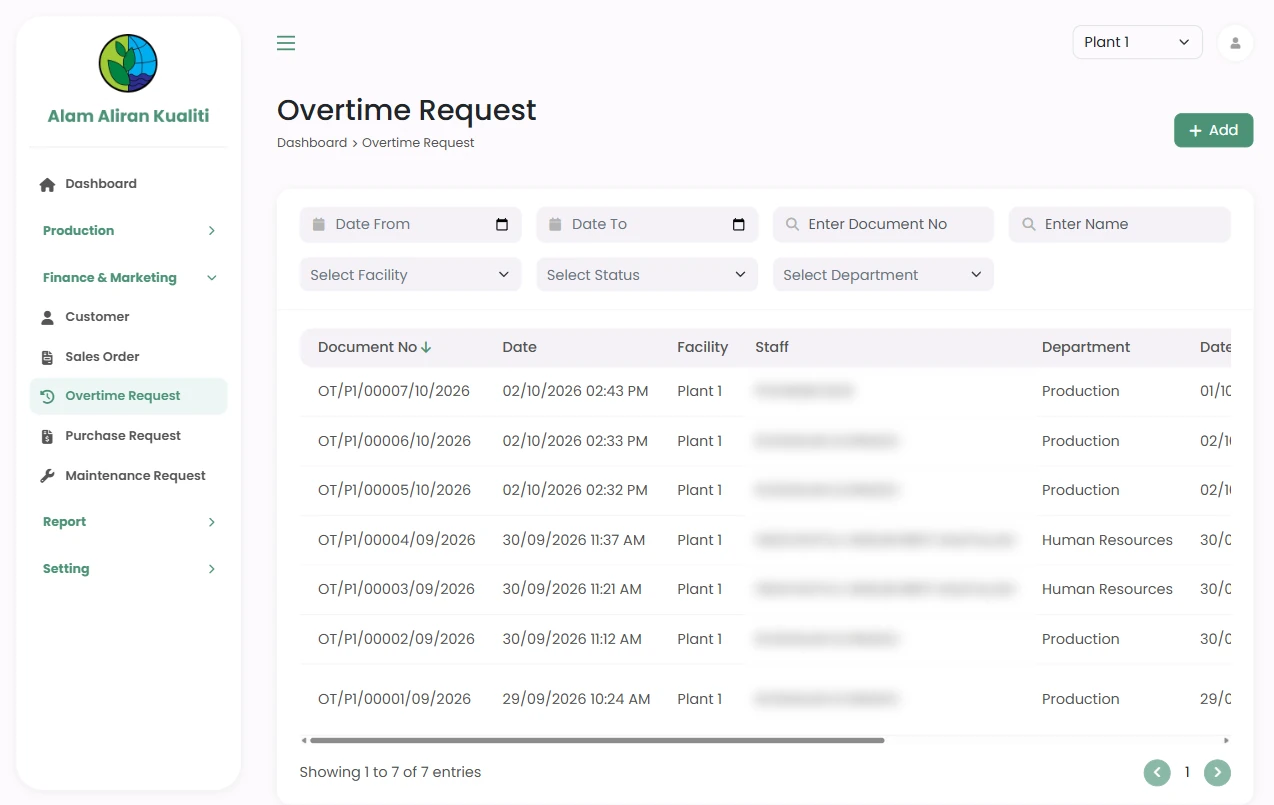
Switch between plants; purchase, overtime and maintenance requests.
Receiving forms filled by hand at the gate
Receiving recorded once, straight into the system
Paper process records for every washing step
Process and test records saved per batch
Quantities retyped into several Excel sheets
One entry updates stock, orders and reports
Order progress tracked with cell colours
Pending, partial and completed status on every order
Purchase, overtime and maintenance asked for on paper or chat
Requests raised and approved in the system
Swipe or drag to scroll · tap a screen to enlarge
Every Potadot project starts by understanding the client's situation before anything is designed. See all seven steps
Walked through the receiving form, process record and both Excel files to see how each number was used.
Turned each paper form into a screen, and linked them so one entry flows to stock, orders and reports.
Built module by module with working demos, starting from receiving and inventory.
Trained the team on the new flow, launched, and kept supporting it after go-live.
Have a similar situation? Tell Ricky how your business runs today on WhatsApp at +6011-1142 1029.
A custom web-based ERP system for their waste management operations. It covers receiving, process records, test records, sales orders, delivery orders, inventory, reports (inventory, process and diesel), and purchase, overtime and maintenance requests, with stock tracked per plant.
Yes. Each paper form and spreadsheet became a screen in the system. Data is entered once and flows to stock, orders and reports, so nobody retypes quantities into Excel.
Yes. We build custom ERP systems for manufacturing, industrial, service and trading businesses across Malaysia. The system is designed around your own workflow and SOP rather than a ready-made template.