Show both trades at once
A factory needs its floors cleaned and its grass cut. The first screen has to say the company does both, and neither should look like a side job.
Green Wealth NurseryServices · Industrial cleaning and gardening website
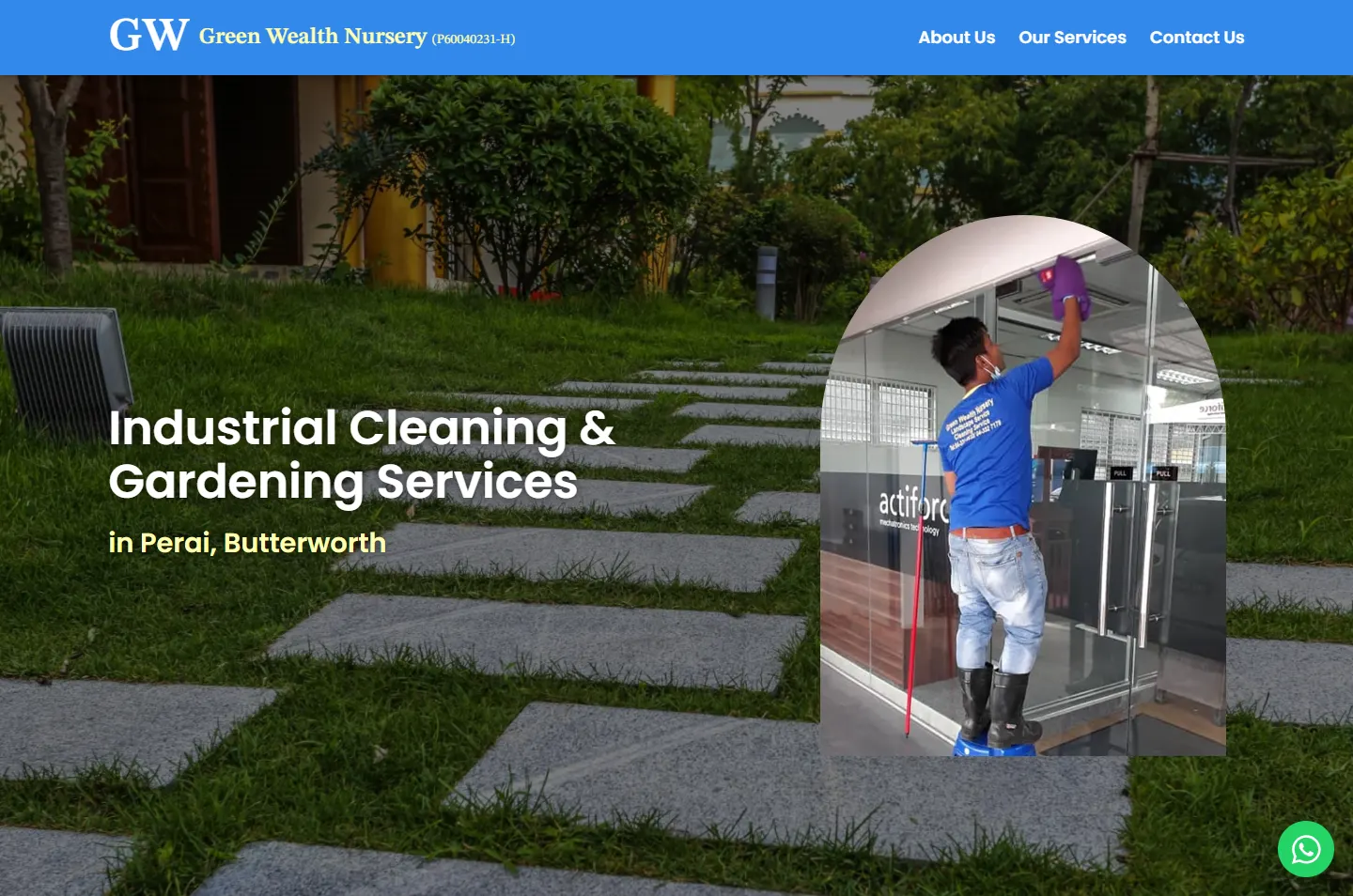
The website for Green Wealth Nursery, an industrial cleaning and gardening company in Perai, Butterworth, working since 1997. The first screen sets a photo of the crew inside an arch on a lawn, so a manager sees both trades before reading a word.
Green Wealth Nursery was established in 1997 and is based in Perai, Butterworth. Together with Green Wealth Services Sdn. Bhd., it provides gardening, landscaping, industrial cleaning, drain cleaning, waste disposal, backhoe work and manpower supply. Potadot designed and built its website as one page in English. The page opens on a lawn with an arch of crew photos set on it, so both trades are visible straight away. From there it answers what a manager asks a new contractor: who are you, how big are you, what do you do, have you done it before, and how do I reach you.
Green Wealth Nursery was established in 1997. As demand grew, the work expanded under Green Wealth Services Sdn. Bhd., to cover a full range of commercial and industrial services. The base is at Medan Limbungan, off Jalan Chain Ferry, Butterworth.
Its clients are factories, schools, industrial sites and commercial complexes, in Butterworth and across Penang. The site also names Seberang Perai Selatan, Batu Kawan, Penang Island, Kedah and Kulim as nearby areas served.

The company is called a nursery, and it also cleans factories, clears drains and supplies manpower. A manager looking for a cleaning contractor could read the name and move on, so the site has to put that right at once.
A factory needs its floors cleaned and its grass cut. The first screen has to say the company does both, and neither should look like a side job.
The list runs from gardening to backhoe work, with drains, ponds and waste disposal in between. A manager should find the one needed without reading the rest.
Contractors are judged on their crew and their past jobs. Visitors should see the workers, the machines and the sites.
A manager with a fallen tree wants a number to call now. Another wants a written quote for the grounds. The page has to serve both.
A site manager looks after a building and the ground around it. The first screen does the same: a lawn fills the background, and an arch on top shows the crew at a glass door, on an office floor or in long grass beside an industrial plant. After that, the page follows the questions a manager asks a new contractor, in the order they would ask them.
 1
Recognise
The lawn and the arch show both trades.
 2
Meet
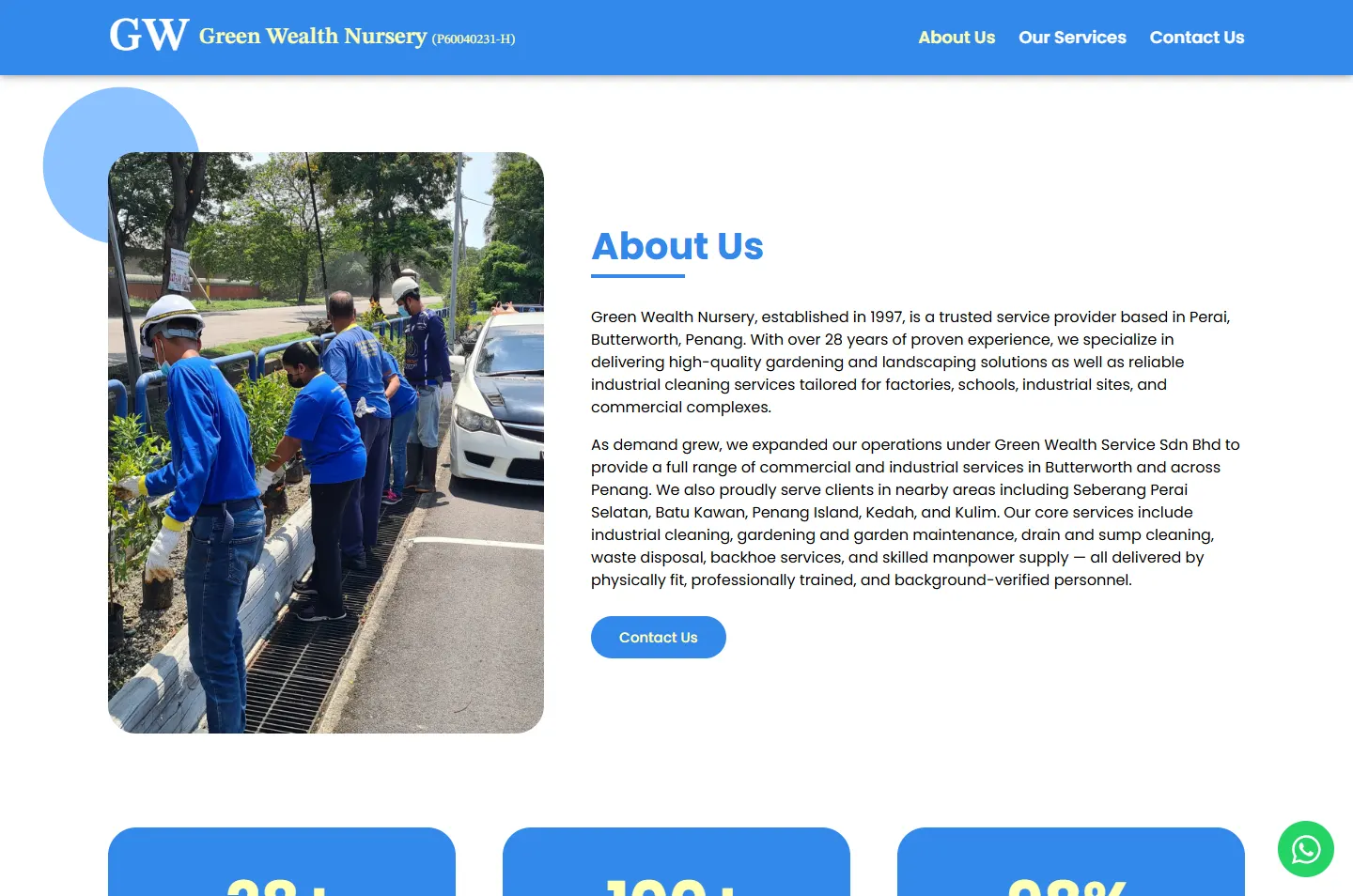
Who the company is, beside changing job photos.
 3
Weigh
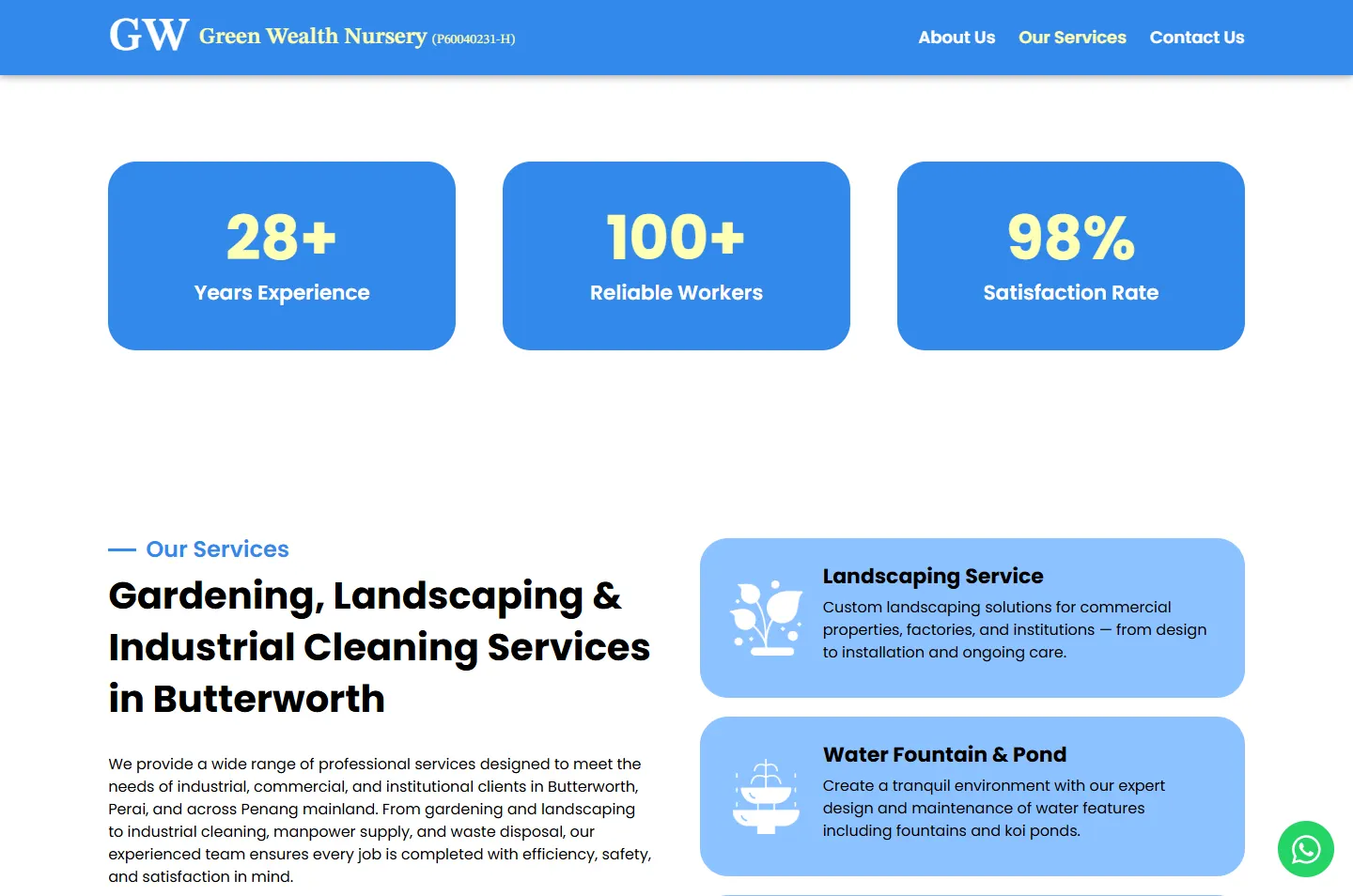
Years, workers and satisfaction on three cards.
 4
Choose
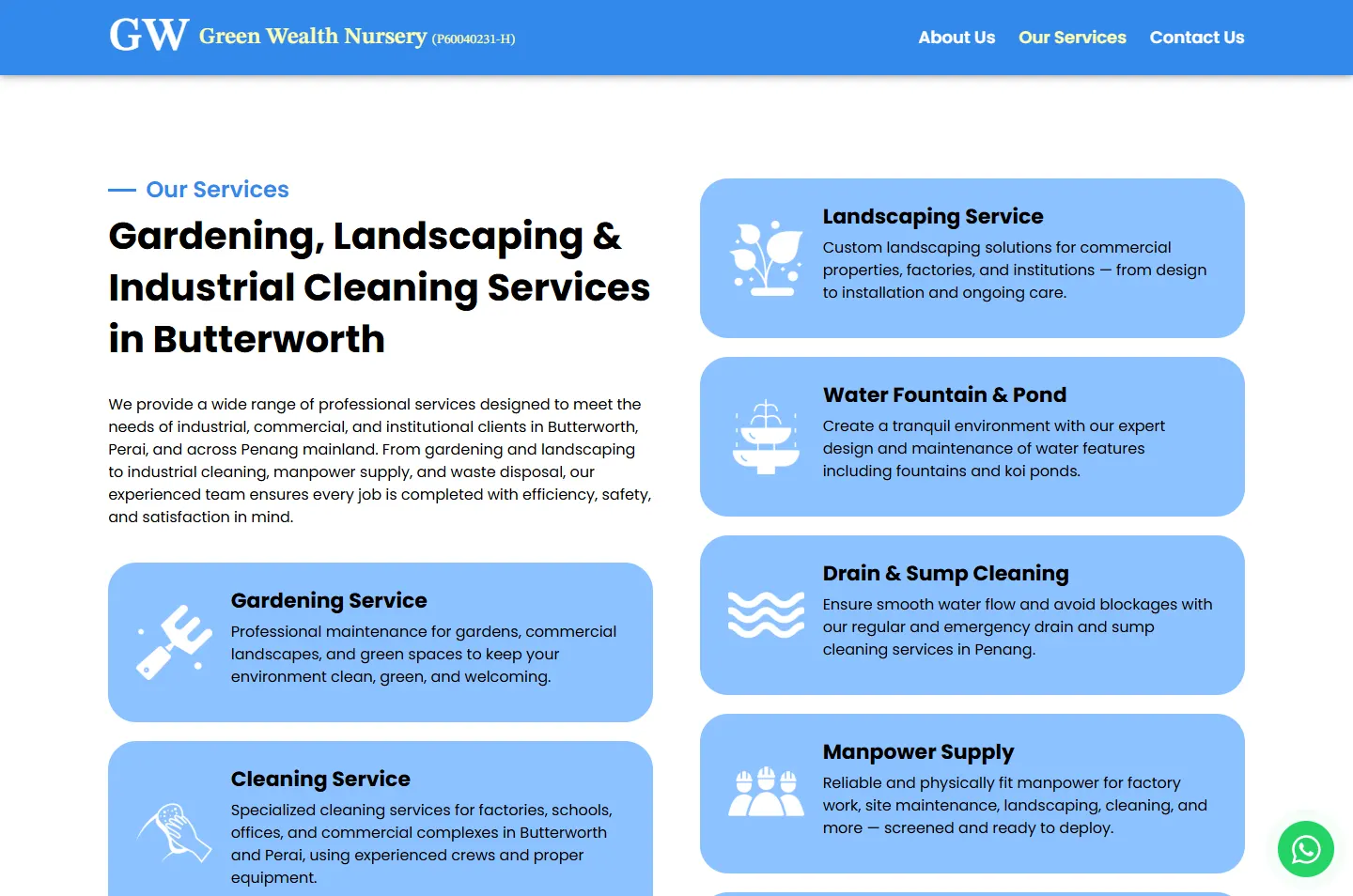
Ten services, one card each.
 5
Check
Fifteen photos of the work.
 6
Ask
Phone, email, form or WhatsApp.
Green Wealth Nursery came first, and Green Wealth Services Sdn. Bhd. followed as the work grew. The headline says what the name cannot: Industrial Cleaning & Gardening Services.
The crew wear blue in most of the photos. A bright blue header, cards and footer sit well beside those shirts, so the company and its people look like one team.
The arch and the gallery show work on site: grass cut beside a plant, a scrubbing machine on an office floor, a lift truck at a tree line. Those photos set the tone, so the design around them stays plain.
A cleaning company should look clean. White space, one bright blue, one paler blue and soft rounded cards give the page that feeling.
#FFFFFFThe page background#3388EBHeader, number cards, buttons and footer#8DC2FFService cards and the form#FFFFB4Numbers, the current menu link and the last bar#000000Reading text and service names#25D366The WhatsApp buttonOutside the photos, the only strong green on the page is the WhatsApp button, so the eye finds it easily.
Green Wealth Nursery
STIX Two Text · The company name in the header and footerIndustrial Cleaning & Gardening Services
Poppins · Headlines and numbersProfessional maintenance for gardens, commercial landscapes, and green spaces to keep your environment clean, green, and welcoming.
Poppins · Reading text and forms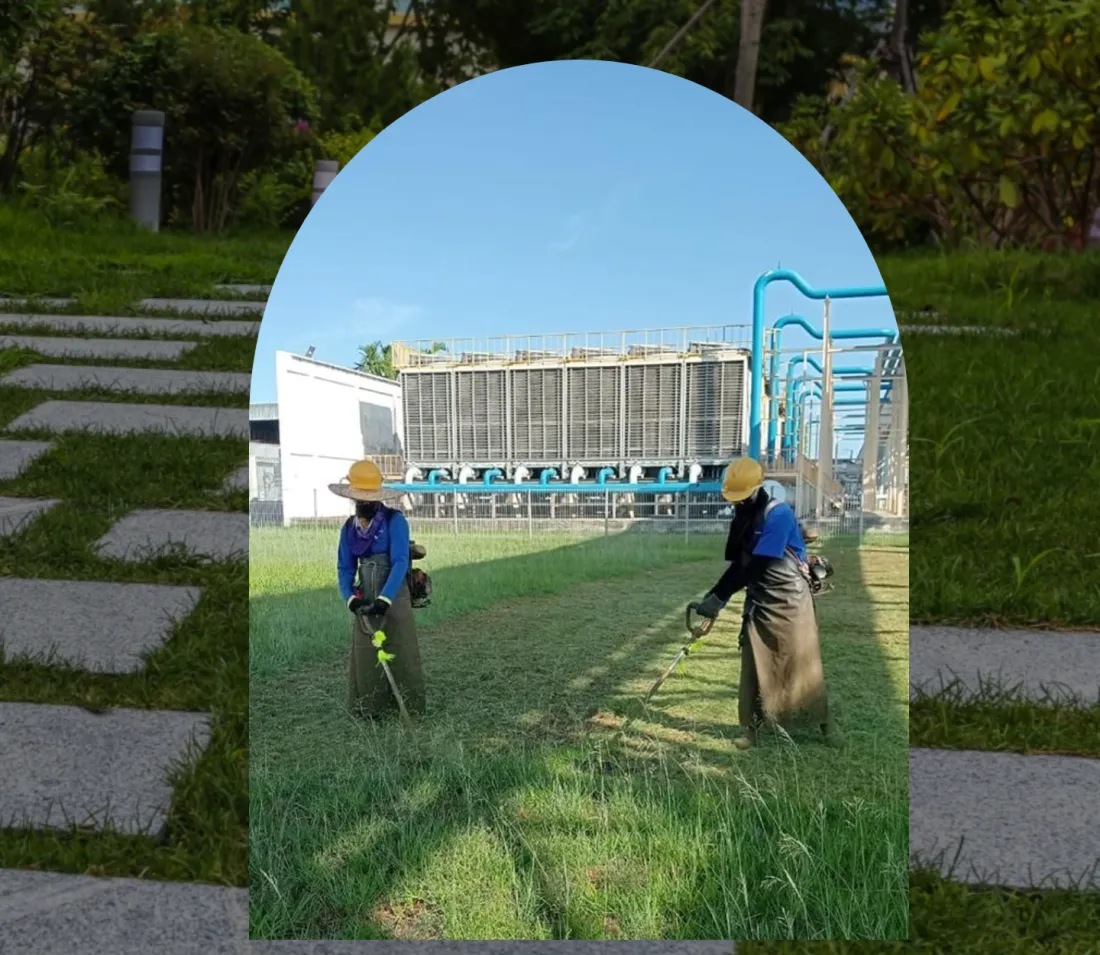
A photo cut into an arch and set straight onto a lawn. The lawn stays still while the photo inside moves between a glass door, an office floor and long grass. One shape holds the indoor and outdoor work together.
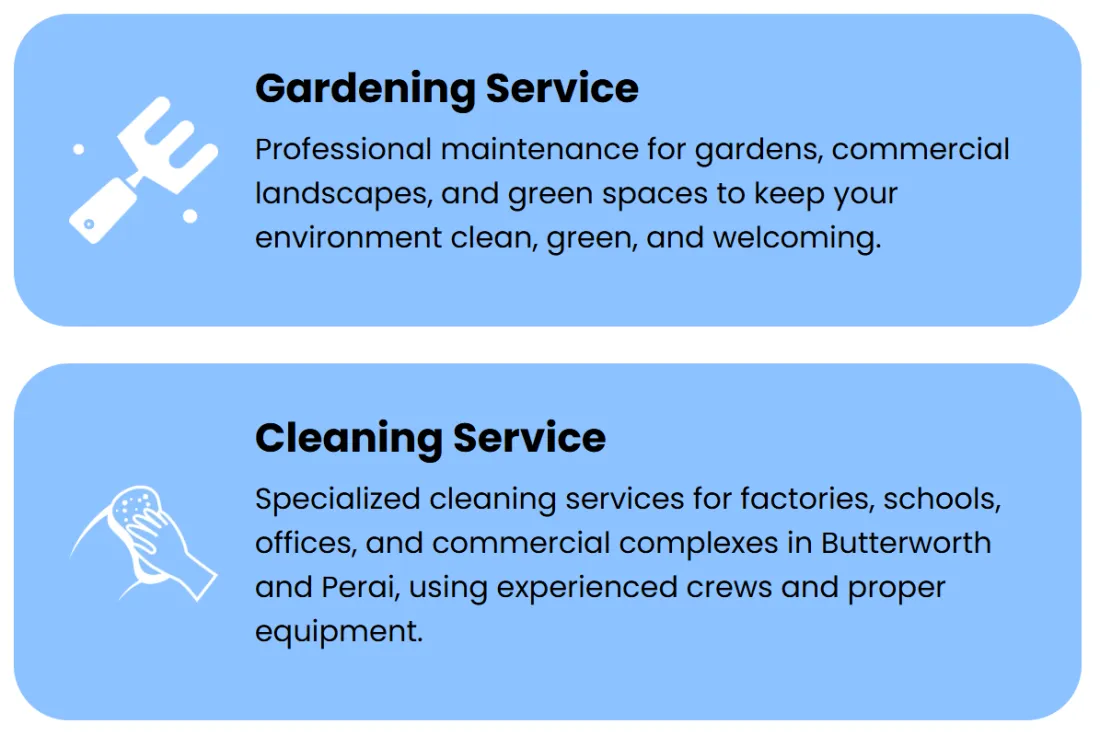
Each service card has a white icon on pale blue, then the service name and a short description. The garden fork and the cleaning hand share the same treatment, so both trades read as the work of one company.
The lawn opens the page and the blue footer closes it. In between, white carries the reading, and blocks of blue mark the numbers and the services. The bar above is the real page, to scale, with each chapter in its main colour.
Scroll through the site as a factory or school manager choosing a contractor. Each highlight marks what that manager looks at, and the note beside it gives the reason.
The headline names both trades and the town. Beside it, an arch on the lawn holds a photo of the crew, and the photo changes while the visitor reads.
Why Someone looking for a cleaner and someone looking for a gardener both see their job before they scroll.
The About chapter gives the year, the town and the kinds of client. Beside it, one frame fades through seven job photos, from roadside plant cutting and drain cleaning to factory windows and a zebra crossing being painted.
Why A single fixed photo would tie the company to one kind of work.
Three large cards state 28+ years of experience, 100+ reliable workers and a 98% satisfaction rate, with the figures in pale yellow.
Why A manager comparing contractors wants to see size and experience at a glance.
Every service has an icon, a name and a short description. Two columns of cards run beside the heading and on down the page.
Why A manager with a blocked drain can find that one card without reading the other nine.
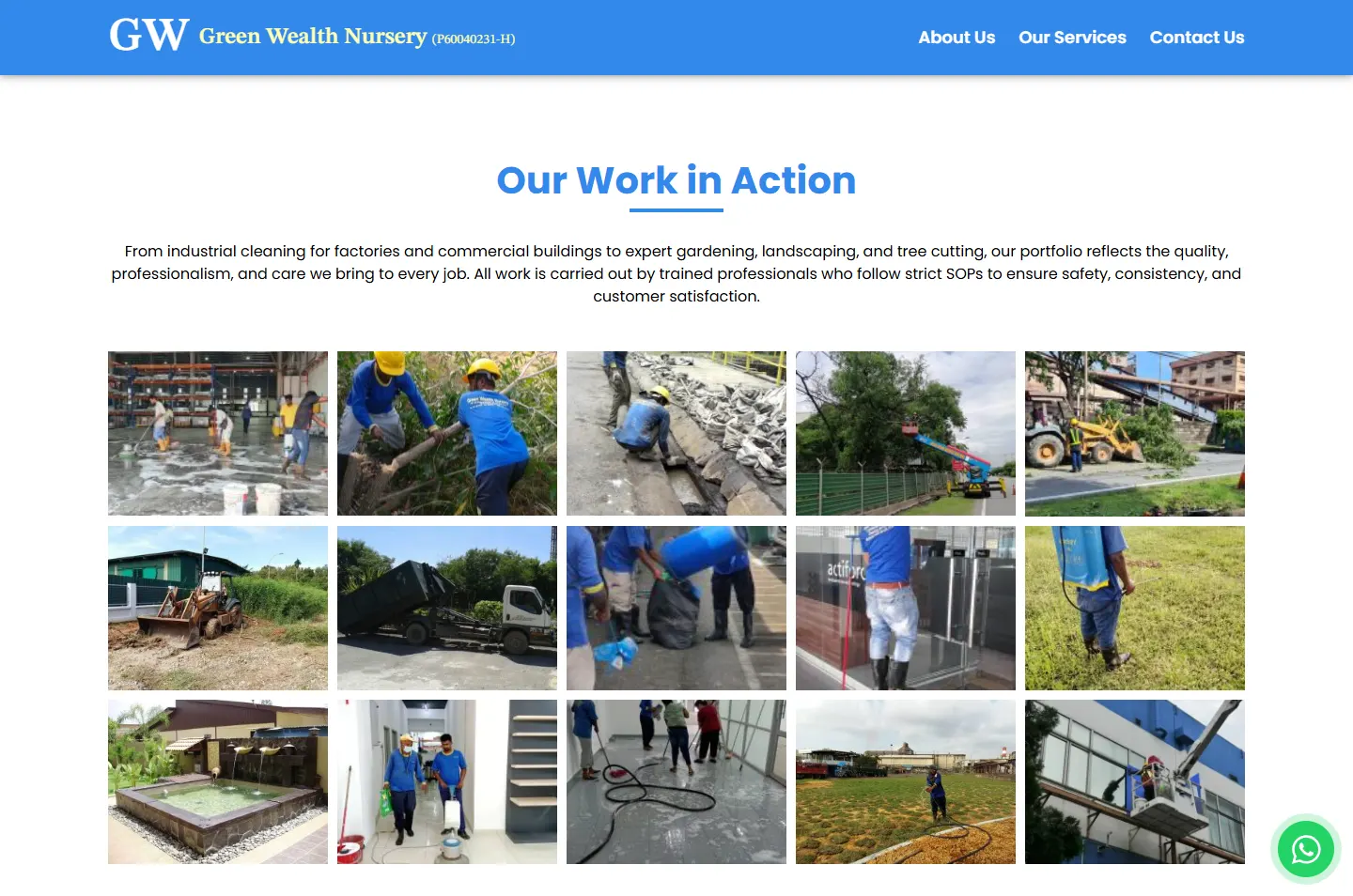
Our Work in Action is a grid of 15 photos: floors being washed, trees being cut, drains being cleared, a backhoe, a lorry and a finished fountain.
Why A card can only say drains get cleaned. A photo shows a Green Wealth worker down at the drain.
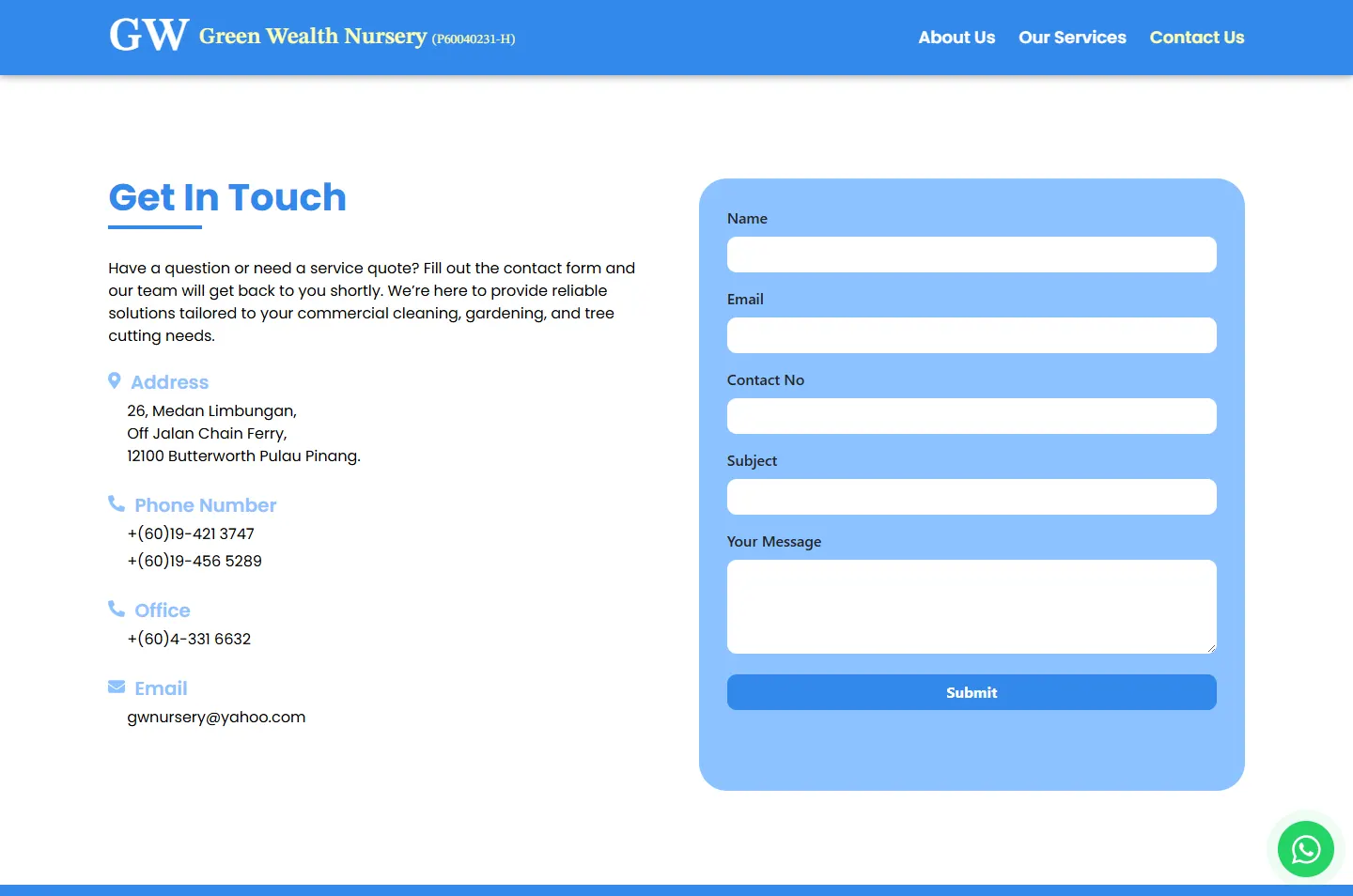
The address, two mobile numbers, the office line and the email sit on the left. A five-field form sits on the right, in the same pale blue as the service cards.
Why A phone call and a written quote both start from this one screen.
The footer shows both company names with their registration numbers, repeats the address and contact details, and sets a Google map beside them.
Why A visitor who knows only one of the names can see that they belong together.
Both trades, one screenSeven photos in one frameThree figuresIcon, name, descriptionFifteen photosDetails and form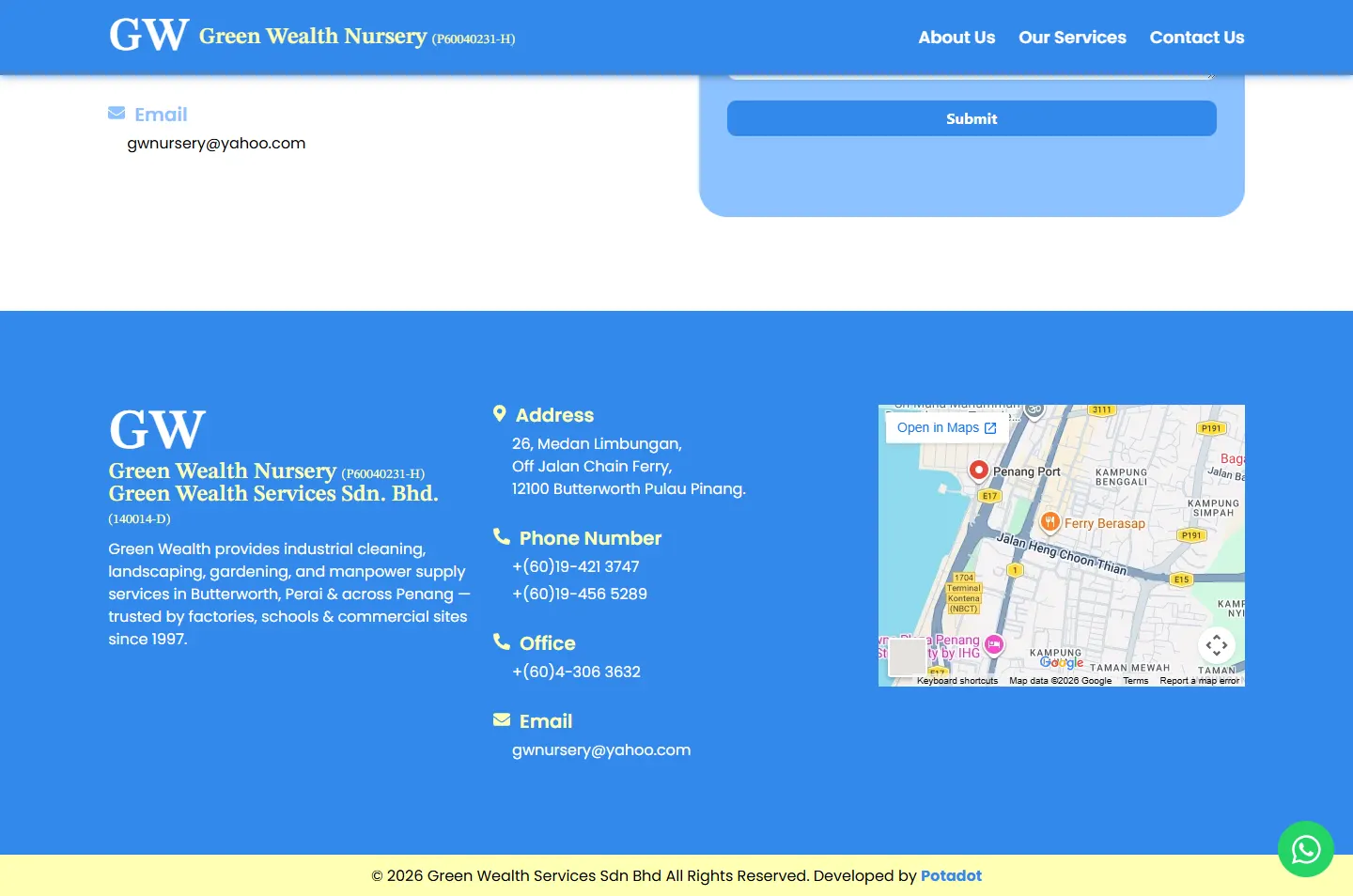 Names, details, map
On a phone, the arch drops below the text and takes most of the screen width. The rest of the page becomes a single column.
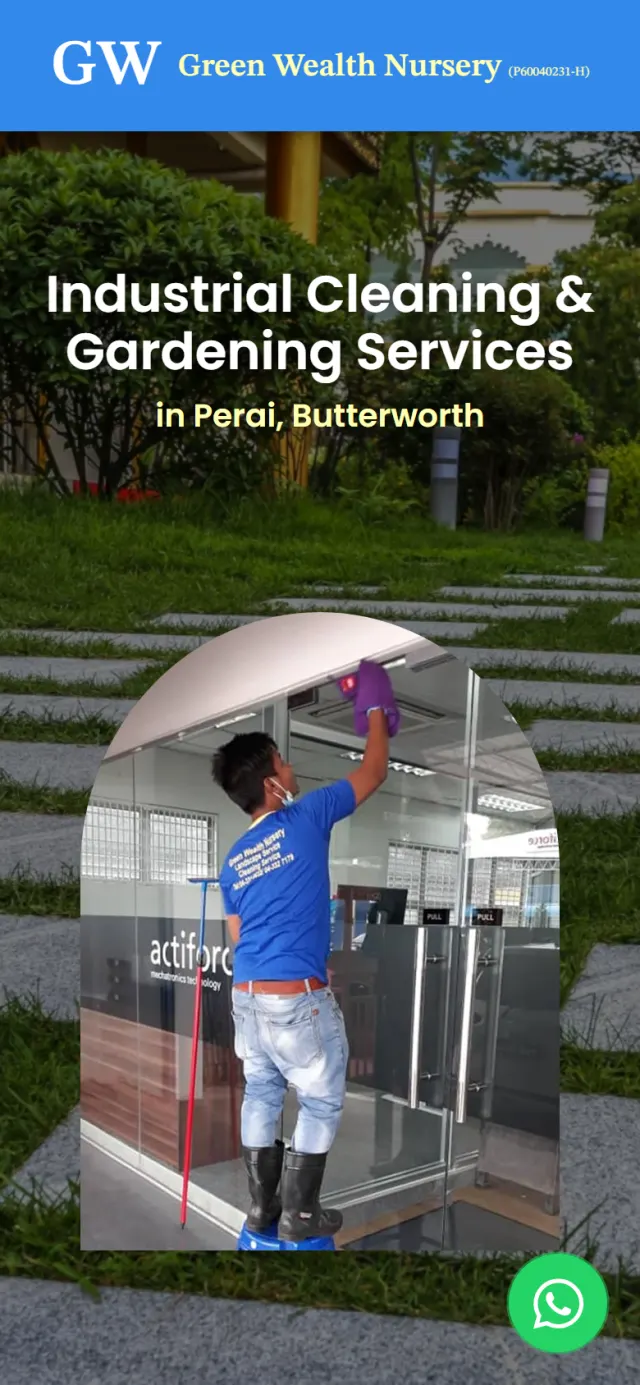
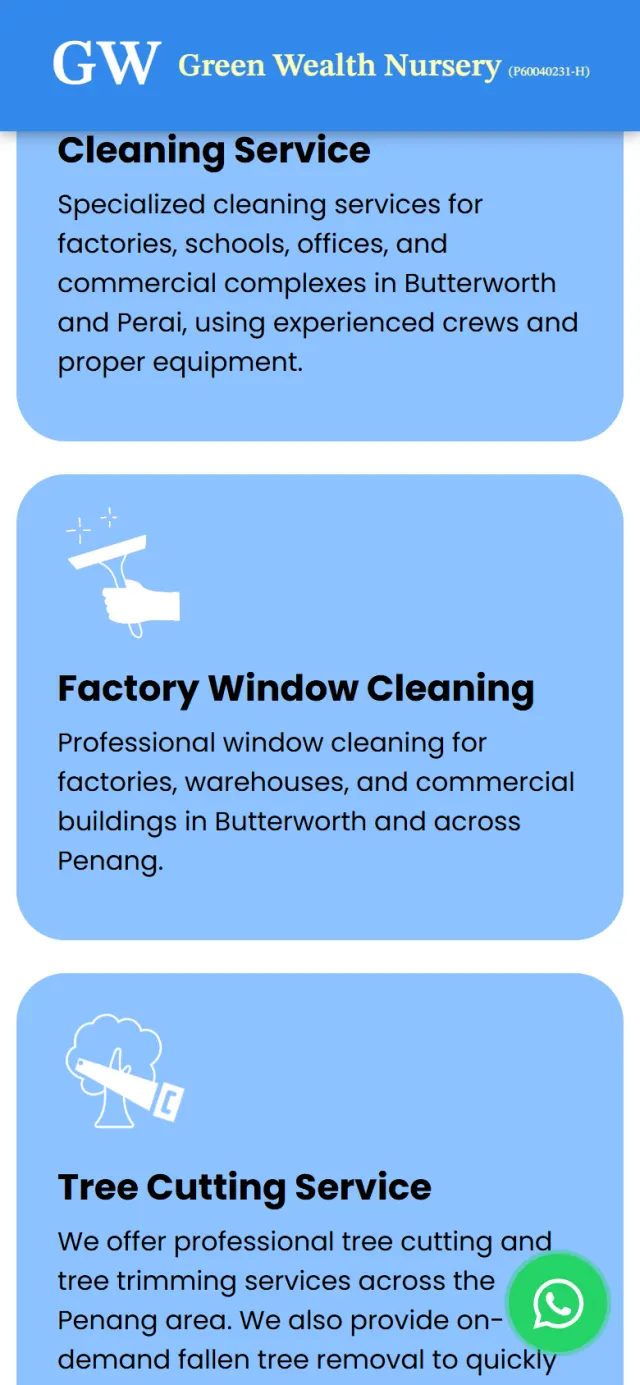
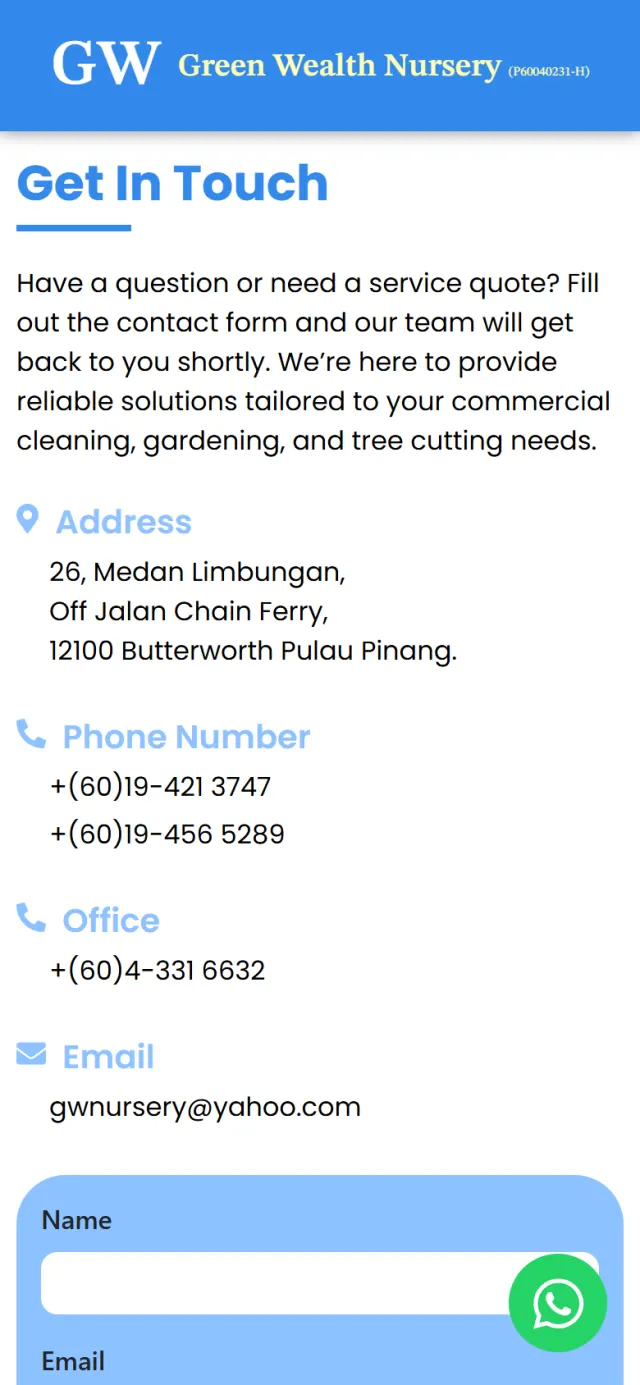
A visit to this site should end with a call or a quote request. These details keep that step short, wherever the manager stops reading.
A green button stays on screen and opens the company’s WhatsApp, with a first line already written.
The two mobile numbers are links in both the Contact section and the footer, so a manager on a phone can tap to call.
The contact form asks for five details and uses Google reCAPTCHA to help keep out spam.
The page title, description and headings name the trades and the towns. The page also carries organisation data for Google.
The address links to directions on Google Maps, and the footer has a map of the location.
On a computer, the blue header stays at the top. Its three links jump to About, Services and Contact, and the current one turns pale yellow.
Every Potadot project starts by understanding the client's situation before anything is designed. See all seven steps
Which jobs Green Wealth takes on, who hires it, and what a factory or school manager checks before calling a contractor.
The ten services, the company story and the contact details arranged into short chapters in English.
A bright blue, the lawn and arch opening and one card style for all ten services, with each chapter set out for phone and desktop on WordPress with Elementor.
Page title, description and headings set up around the trades and the towns, then launch and support.
Running a service company? Tell Ricky about your business on WhatsApp at +6011-1142 1029.
We worked out the concept, arranged the content, designed the page and built the site in English on WordPress, with search setup, a contact form and a WhatsApp button.
The green is already in the lawns and the job photos. Blue sits well with the crew’s shirts, looks clean for a cleaning company, and lets those photos stand out.
A manager may need several of them, so one page lets them see the full range in a single scroll. On a computer, the menu jumps straight to About, Services and Contact.
Yes. We would start from your own trades and customers, so your page would have its own idea. Tell us what your company does and who hires you, and we will show you how we would approach it.